
How the New fodjan Login Works
We’re currently migrating all accounts to an upgraded login system in stages. This article describes how the process works and how you can set up new security options such as two-factor authentication and sign-in with Google. It’s updated on an ongoing basis and isn’t tied to any specific release.
Do I need to do anything?
No. You’ll keep signing in as usual at fodjan.de/myfodjan – there’s no new address to remember. What happens next is decided automatically behind the scenes, depending on whether your account has already been migrated.
For your security: We will never ask you, by email or any other means, to enter your login credentials on any site other than fodjan.de.
The three possible flows
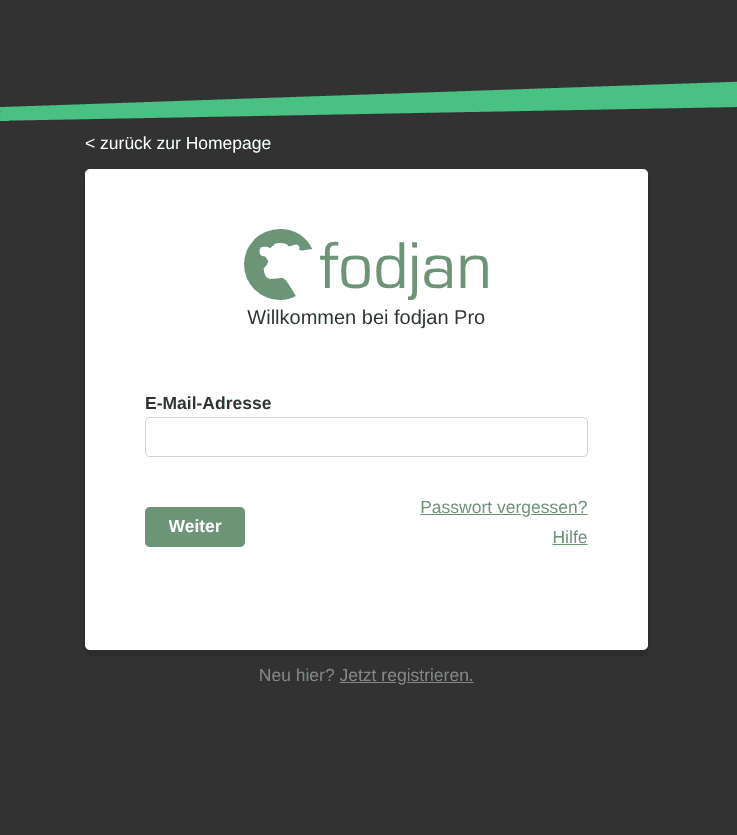
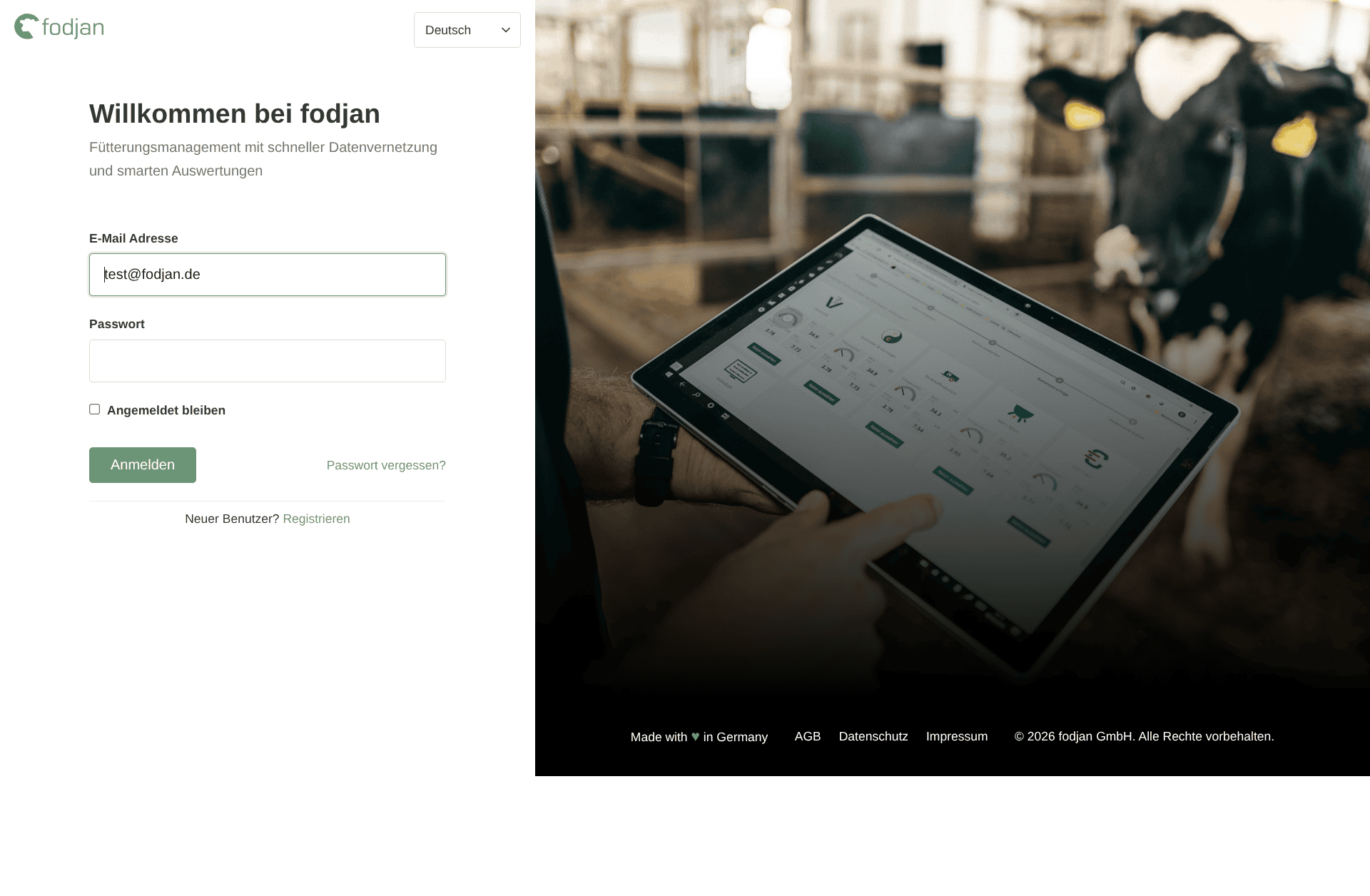
Depending on your account’s status, entering your email address triggers one of three things:
2.a Your account hasn’t been migrated yet
The familiar password field appears, and you sign in as always. Nothing changes for you yet.
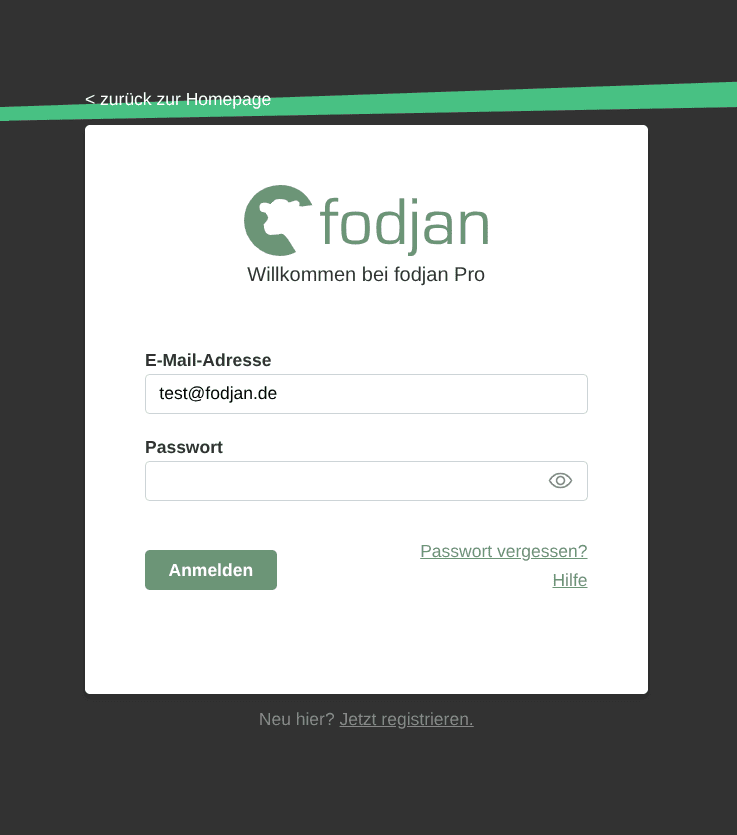
2. It’s your account’s turn
We guide you through the move once. All you need is your existing password. If any information is still missing, such as your name, we’ll ask for it at this point. You also have the option — voluntarily — to secure your account with a second sign-in factor. After that, this step is complete for your account. One-time migration of the fodjan user account to the new login portal
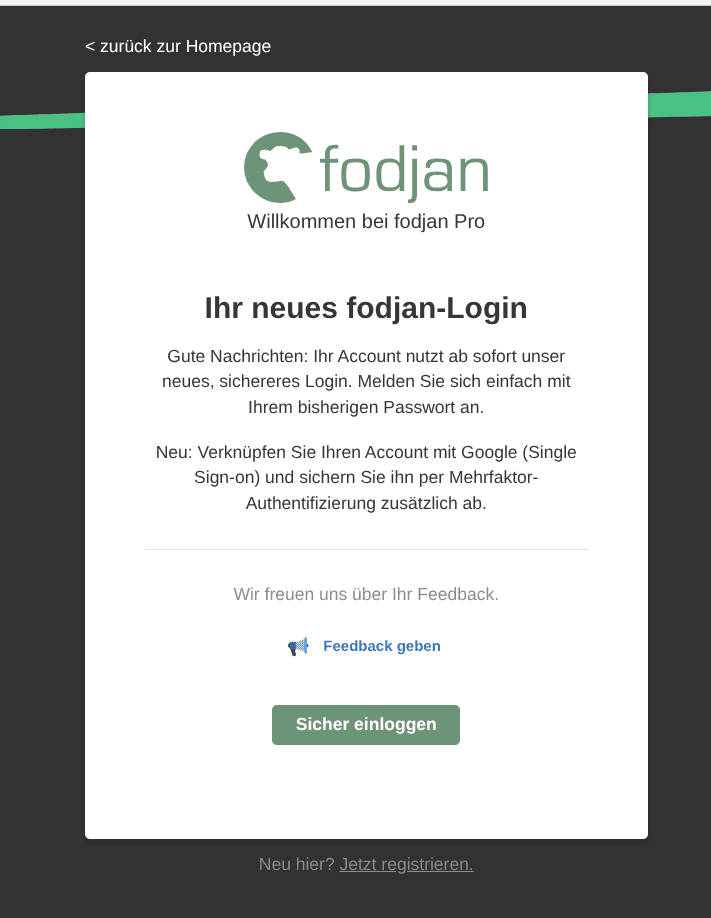
3. Your account has already been migrated
You’re automatically redirected to the matching login form and sign in there. Redirect to the matching login form for already-migrated fodjan users.
We move accounts into groups gradually once testing is complete. You won’t be notified in advance which group is up next – the flow above shows you where you stand each time you sign in.
Setting up a second factor (2FA)
Why is it worth it? A password is just one piece of the puzzle – if it’s ever leaked, guessed, or phished (even outside of fodjan), that alone is enough to log into your account. With 2FA, you also need a code generated exclusively on your own smartphone. That means your farm’s data – rations, feed prices, evaluations – stays protected even if your password ever falls into the wrong hands. The one-time setup takes about two minutes; after that, you just add a six-digit code when logging in.
In addition to your password, you can secure your account with a one-time code from an authenticator app, for example:
- Google Authenticator
- Microsoft Authenticator
Both are available for free from the App Store or Play Store. Our system walks you through the setup step by step as soon as it’s offered to you during your migration. 2FA is optional – you can skip the setup and add it later. Our recommendation: set it up once, and you’re done – the effort is minimal compared to the protection it provides.
Signing in with Google (Single Sign-on)
You can link your fodjan account with your Google account and sign in that way going forward, instead of remembering a separate fodjan password. This option is also optional and can be set up via the new user profile page, under Account Security > Linked Accounts.
Want to use your own single sign-on provider to log into fodjan? Get in touch: support@fodjan.de
Questions?
If you run into any issues signing in, write to us at support@fodjan.de.