

Quick summary:
- 🧮 Ration Assistant becomes your one-stop shop – ration suggestions and the ration catalog now live in one place
- 🌽 Feed selection that thinks along with you – suggests matching feeds and quantities directly while you edit
- 🔐 Login is getting an upgrade – with optional 2FA that protects your account even if your password ever ends up in the wrong hands (Details in the Help Center)
The Ration Assistant Becomes Your Central Hub
We continuously improve our ration AI. With this release, the next step is complete: alongside ration suggestions, the assistant now also gives you access to the ration catalog – both in one place.
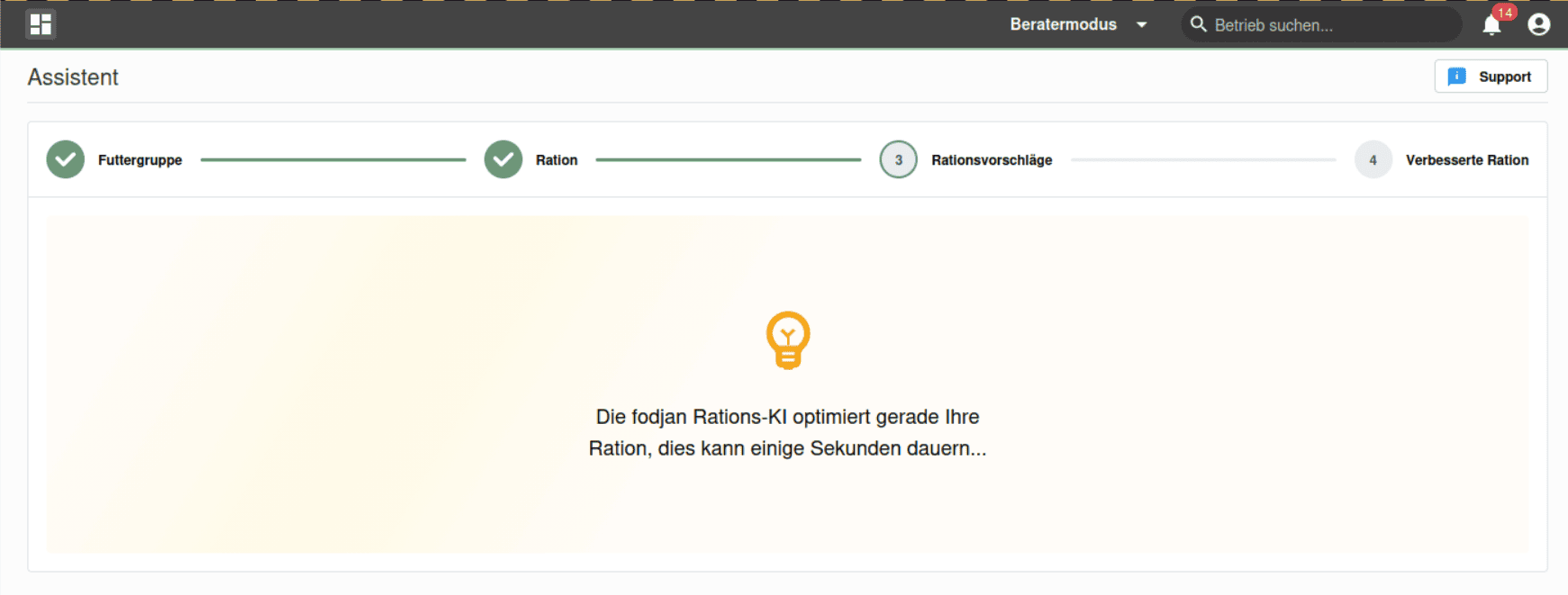
In practice, this means: you can either get a ration suggested to you, or pull up an existing ration from the catalog, without switching pages. The previous, separate ration catalog has been retired as a result – one less place to go, one less click.
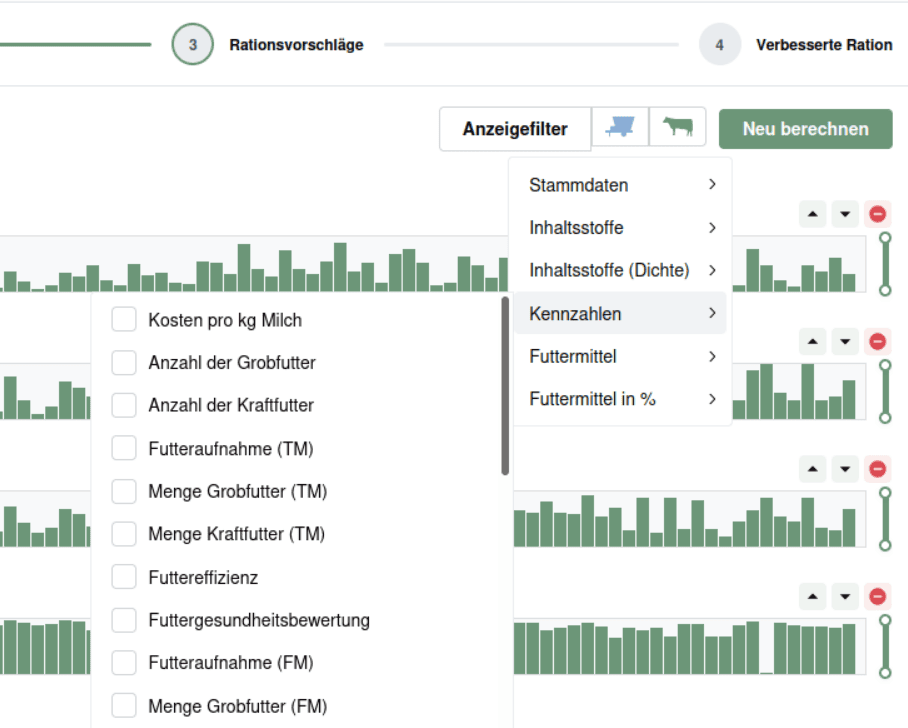
Feed Selection That Thinks Along With You
When editing a ration, intelligent feed selection is now active by default. It searches the available feeds for suitable candidates and directly suggests an optimized quantity to you.
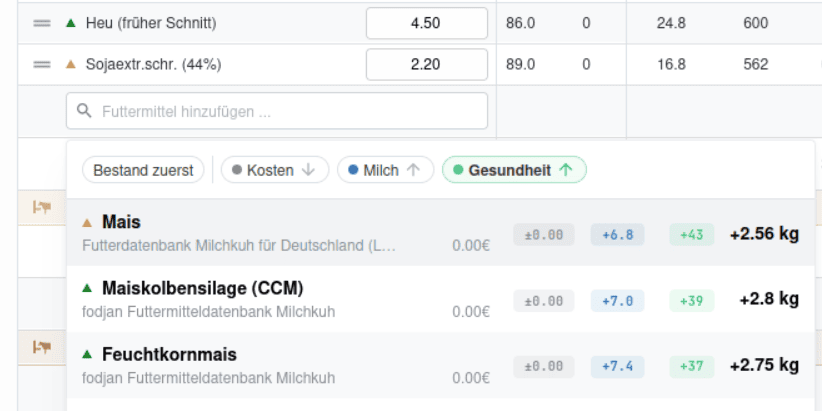
Important: You don’t lose anything here – you essentially just get more information. You can still search for a specific feed just as easily as before, and the suggested quantity is purely a starting point that you can override with your own value at any time. The optimization doesn’t change your existing ration; instead, it tries to find feeds in your stock and your activated feed databases that complement your existing ration as well as possible.
Your Login Is Getting More Secure – Details in the Help Center
We’re gradually migrating all accounts to an upgraded login system. At the heart of it: optional two-factor authentication (2FA). With 2FA, a stolen or guessed password alone is no longer enough to log into your account – your ration data, feed prices, and farm data stay protected even if your password ever ends up in the wrong hands. Setup takes under two minutes and can be completed at any time. Alternatively, you can also sign in with your Google account. The fodjan address itself stays the same, and you’ll be guided through the process automatically once your account is up for migration.
Since the migration happens in stages and rolls out over several weeks, we keep the details in a dedicated, continuously updated article: How the new fodjan login works →
Looking Ahead: New Interfaces to Feeding Computers
We’re building out further interfaces. Over the course of the year, integrations with Dinamica DTM, PTM feedingfarm, and Topcon TAP FEED will follow – manufacturers of feeding computers used to control your feed mixer wagon. This makes it even easier to connect ration calculation with actual feeding on the farm, and the quantities actually fed flow back into fodjan and become available for analysis.
These new interfaces also bring the Pen-Feeding concept to fodjan for the first time: you’ll be able to plan both the loading and unloading of your feed mixer wagon in fodjan, and analyze feeding by box/pen in your evaluations.
We’d love to hear your feedback. Where does the optimization work well, where does it produce nonsense, and which features are you still missing? Write to us at feedback@fodjan.de – we’re listening.